 LiftOrbit
Read-only product tour. These are real English screenshots, not a simulated live session. Automatic private examples for new accounts are still under validation and are not publicly released.
A small example workshop
Three orders, five machines, three operators and two materials. These are actual screens from a synthetic internal test project, with English data and labels.
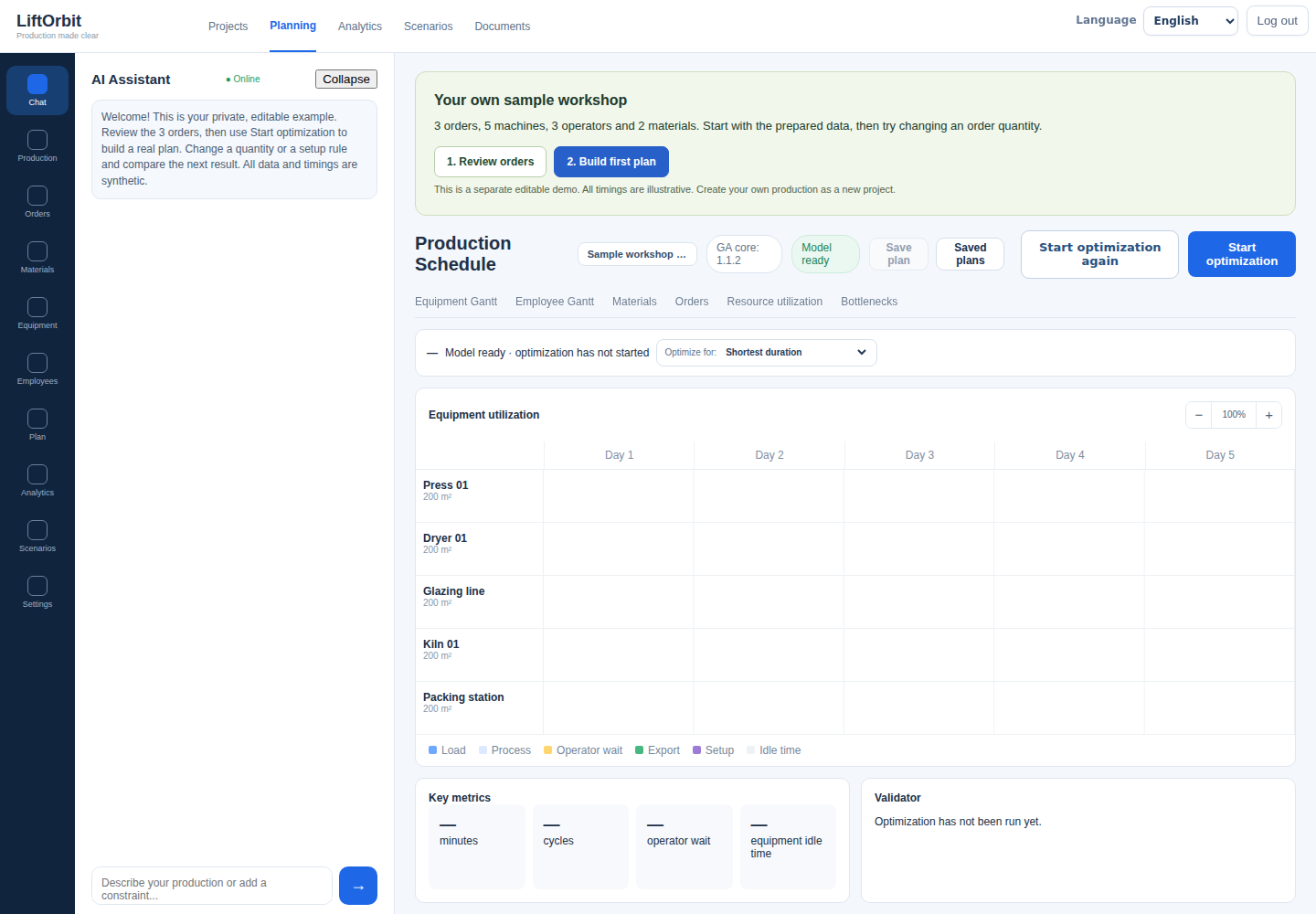
Open the image to inspect the full-size screen.
Review the prepared orders
The orders have different quantities, product formats and glaze colours. The screenshot shows the data used in the example, not customer information.
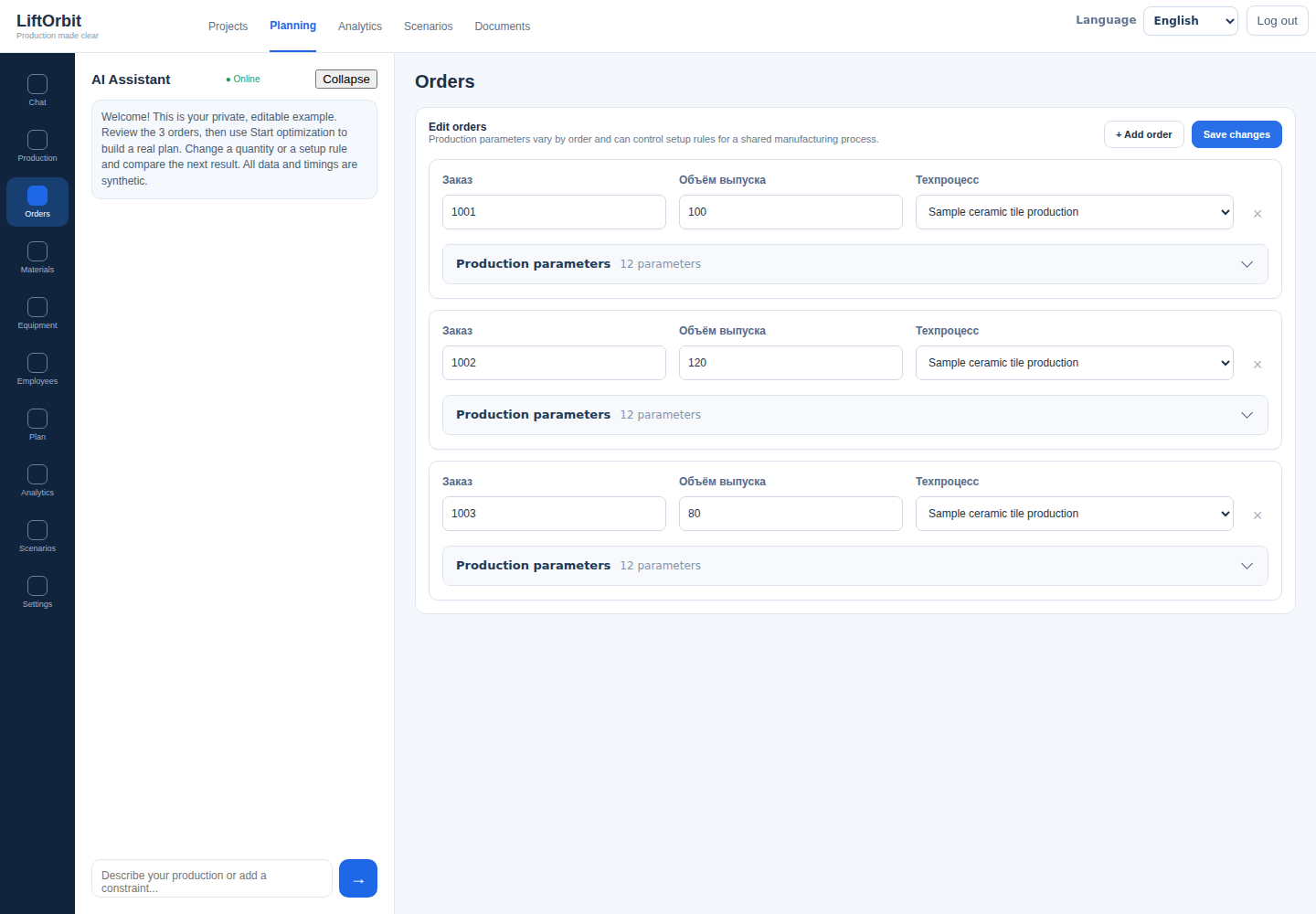
Open the image to inspect the full-size screen.
Inspect resource assumptions
Pressing, drying, glazing, firing and packing use different machines. Each machine has its own capacity and processing-time model.
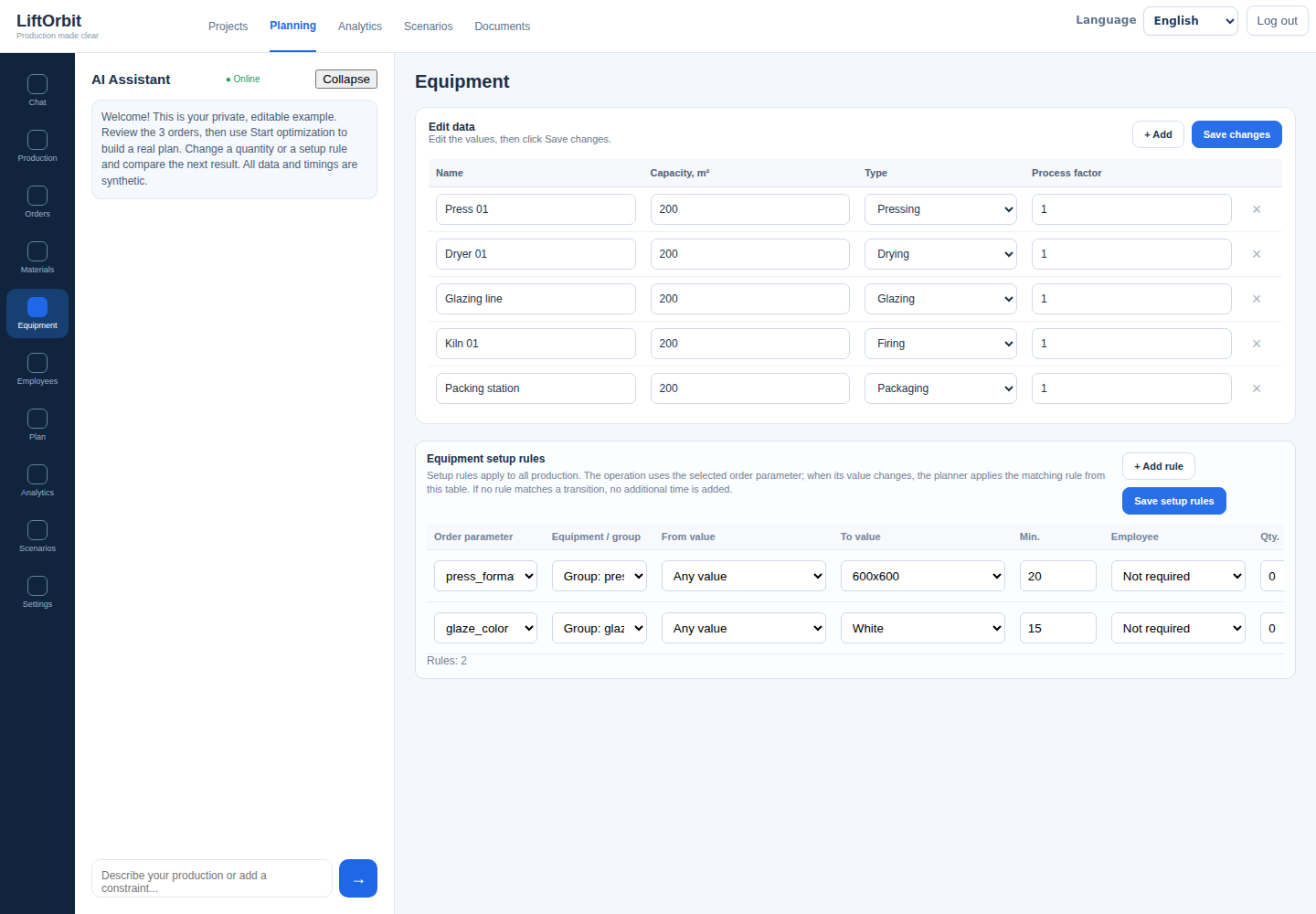
Open the image to inspect the full-size screen.
Inspect a calculated schedule
This Gantt chart was produced in an internal test run. It includes operations and changeovers. The example timings are illustrative, not a validated ceramic process or a customer performance claim.
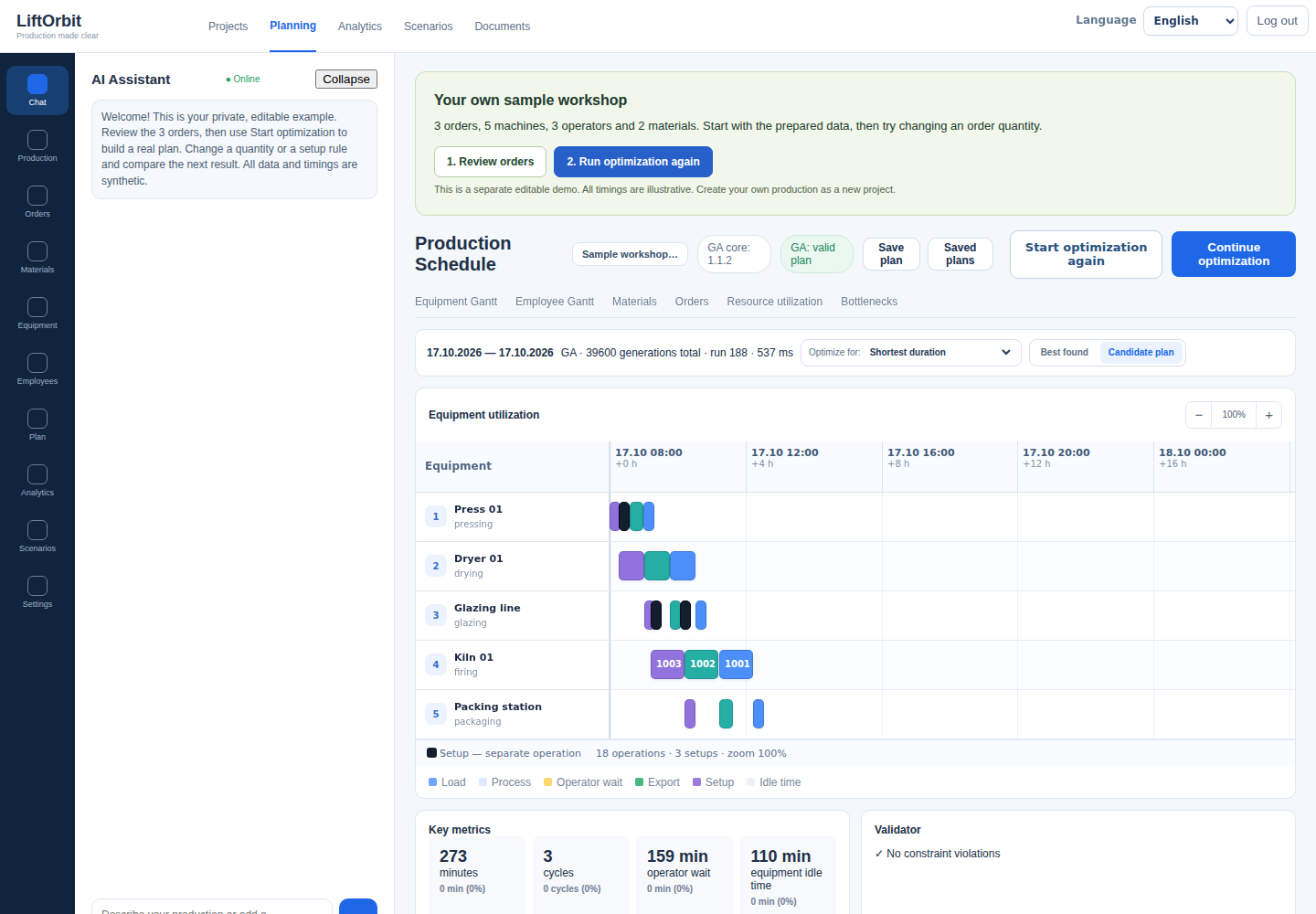
Open the image to inspect the full-size screen.
Step 1 of 4
Try a calculation without registration
The free capacity calculator lets you change workload and available hours in your browser. It is a rough capacity estimate, not the full scheduling engine shown in this tour.
Read the current product status before evaluating the application. New-account onboarding is not yet released.